- Welcome to Launch X431 Store
- WhatsApp: 8613421344069


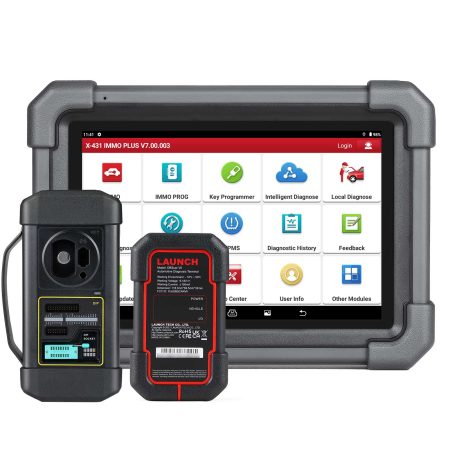
The X-PROG5 programmer is the same whether it sits next to a PAD VII or a PRO5. It consolidates the former X-PROG3, the MCU3 adapter, the PC adapter and a standalone key tool into one unit, and it delivers the same bench cloning, immobilizer and key programming functions on either tablet. The decision therefore is not about the add-on. It is about the diagnostic brain the programmer is attached to: how much screen and processing power the tablet brings, how far its online ECU programming coverage extends, and whether the shop’s daily workload justifies the premium.
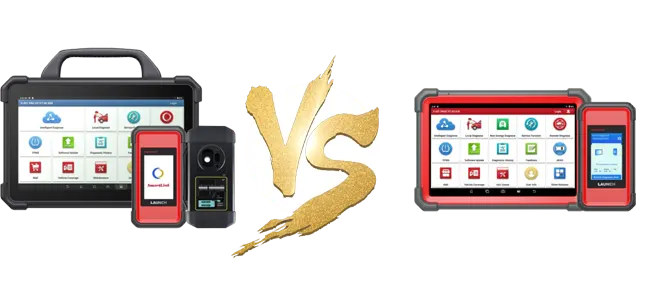
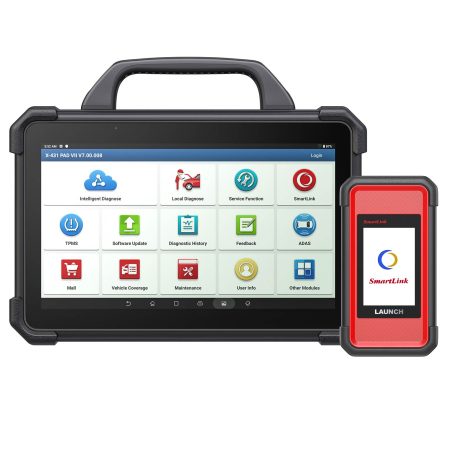
The PAD VII is built as Launch’s top-tier tablet. It carries a 13.3-inch Full HD display at 1920×1080, an eight-core 2.0 GHz processor, 8 GB of RAM and 256 GB of storage, with a 9360 mAh battery and access to built-in repair databases. It also supports optional add-on hardware such as an endoscope and an oscilloscope, which the PRO5 does not accept. Service reset coverage sits in the 40–60+ range on the PAD VII.
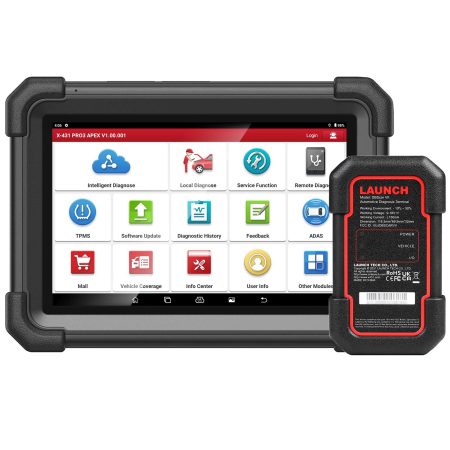
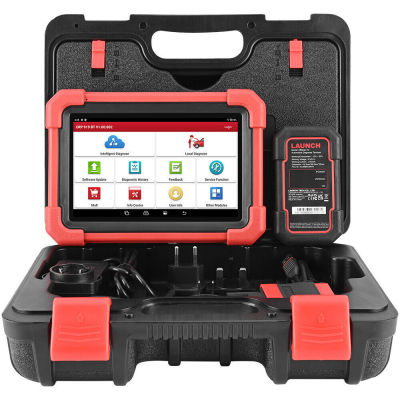
The PRO5 takes a different approach. It uses a 10.1-inch 1280×800 screen, a four-core 2.0 GHz CPU, 4 GB of RAM and 64 GB of storage, runs Android 10, and offers 37–50 service reset shortcuts. It is smaller, lighter and less expensive, but it cannot be expanded with the endoscope or oscilloscope modules. For a technician who mostly performs key matching, ECU cloning and routine diagnostics, that trade-off is deliberate rather than limiting.
Online ECU programming is where the two setups separate for advanced workshops. The PAD VII covers full online programming across Mercedes-Benz, BMW, Porsche, Land Rover, Jaguar, Renault, Hyundai, Kia, Nissan, Infiniti and Subaru, and it adds VW/Audi online parameterization along with Renault online coding. That breadth turns the tablet into a multi-brand programming platform rather than a diagnostic scanner with programming as a side feature.
The PRO5 limits full online ECU programming to Mercedes-Benz and BMW, and it does not support VW/Audi online parameterization. If the shop’s programming work is concentrated in those two brands, the PRO5 covers the core need. If VW/Audi parameterization, Porsche, Land Rover or Renault coding appears regularly on the schedule, the PAD VII is the configuration that avoids sending those vehicles or modules elsewhere.
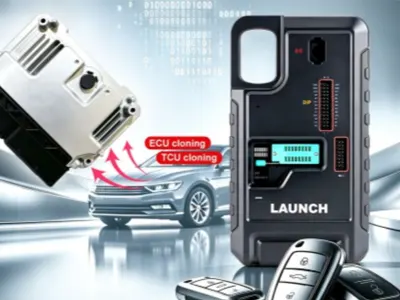
Because the X-PROG5 contribution is identical across both tablets, it should not be treated as a tiebreaker between them. The programmer works in two modes: directly with the PAD VII or PRO5 for on-vehicle key matching, or connected by USB to a PC running dedicated ECU cloning software for bench work. Coverage includes VW/Audi MLB and MQB 5C/5D key matching, V850/RH850 cluster reading and cloning, Mercedes FBS3/FBS4, and BMW ISN reading. Recent software updates have also added RH850 immobilizer reading for Renault, Nissan, Jeep and Ford modules, locked VW MG1CS031 and MG1CS111 BOOT-mode access, and locked BMW MG1/MD1 BENCH-mode support—functions that depend on the X-PROG5 hardware rather than the tablet attached to it.
The PAD VII + X-PROG5 bundle makes sense for a multi-make workshop that regularly handles deep online ECU coding across European and Asian brands, needs a larger screen for wiring diagrams and guided functions, and wants the option to add an oscilloscope or endoscope later. Its hardware headroom and programming breadth support the kind of job mix where one vehicle may require key adaptation, another may need online parameterization, and a third may arrive with a locked ECU that has to be cloned on the bench.
The PRO5 + X-PROG5 bundle is the more focused purchase. It gives the same X-PROG5 immobilizer and cloning capability, a capable Android tablet, and online programming for Mercedes-Benz and BMW, at a materially lower entry point. For a shop whose programming volume is concentrated in those brands and whose diagnostic work is mostly key matching, module replacement and everyday fault finding, the PRO5 delivers the core functions without paying for screen size, RAM or programming coverage the workflow does not use.
Both routes lead to the same X-PROG5 bench capability. The question is whether the tablet above it needs to be a flagship diagnostic platform or a right-sized daily tool.