- Welcome to Launch X431 Store
- WhatsApp: 8613421344069


The Launch X431 X-PROG5 (also known as G5) is a professional-grade ECU and TCU cloning programmer designed for automotive workshops and locksmiths. It enables chip-level reading, writing, and cloning directly from your Windows PC via the unified X-431 ECU Clone software platform. This guide walks you through the complete setup process—from software download to hardware connection and license activation.
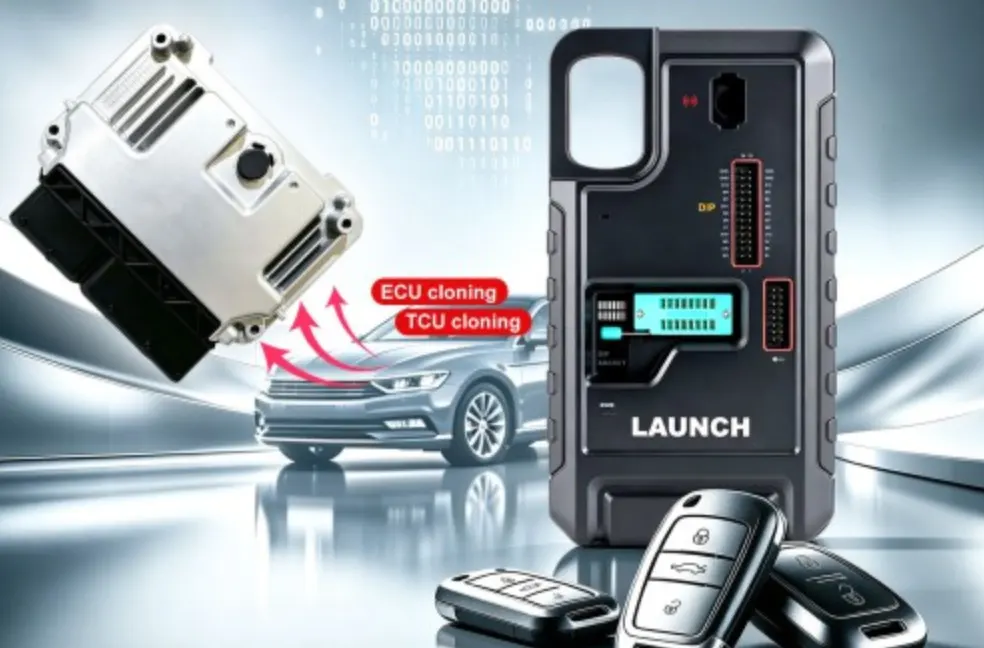
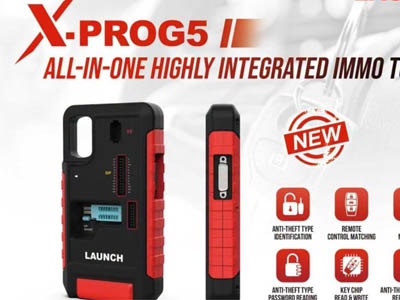
The X-PROG5 is purpose-built for advanced module cloning and immobilizer programming. Compared to its predecessor, the X-PROG3, the G5 model places greater emphasis on ECU and gearbox cloning, supporting a wider range of vehicle brands and chip types. Key capabilities include:
The X-PROG5 delivers comprehensive cloning and chip-level operations across a broad spectrum of vehicle manufacturers:
Follow these four steps to get your X-PROG5 up and running. The hardware is plug-and-play when used with an X431 diagnostic tablet; however, when connecting to a PC via USB for the first time, manual software activation is required. This guide is optimized for 64-bit Windows 8 or Windows 10 systems.
Visit the official LAUNCH portal at en.cnlaunch.com. Navigate to Service > Download & Upgrade in the top navigation bar. Scroll to locate X-431 ECU Clone and click the Download button. Select your preferred language package (for example, ECUCLONE_PC_EN_setup for English) and save the installer to your computer.
Locate the downloaded .exe file on your PC and double-click to launch the installer. Follow the on-screen setup wizard to complete the installation. The process is straightforward and typically takes only a few minutes.
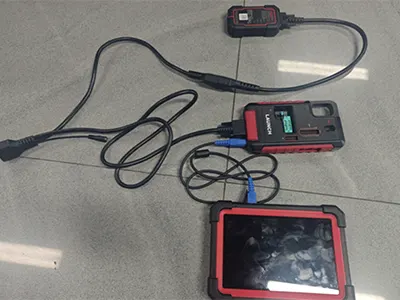
Plug your X-PROG5 programmer directly into an available USB port on your computer. Launch the X-431 ECU Clone application. Wait for the interface to display a “Successfully connected” message, confirming that the hardware is properly recognized and ready for operation.
Upon launching the software, click Confirm on the startup prompt. Enter a valid email address and click Send to receive a one-time password (OTP) verification code. Check your inbox, enter the OTP code, and click Login. When a pop-up alerts you that the device is unregistered, click OK. To link your profile to the PC box, click Activate. The software will automatically detect and populate your device’s Serial Number.
The Launch X431 X-PROG5 is a powerful, future-ready programmer that brings professional-grade ECU and TCU cloning capabilities to your workshop bench. By following this setup guide, you’ll have the software installed, hardware connected, and license activated in no time—ready to tackle even the most challenging immobilizer and module cloning jobs across European and Asian vehicle platforms.
For the latest software updates and additional resources, always refer to the official LAUNCH download portal at en.cnlaunch.com
![[EU/UK Version] LAUNCH X431 PRO3 APEX Diagnostic Scanner Support Topology Map Online Coding CAN FD & DoIP HD Truck Scan with 37+Services](https://obd-1317370369.cos.accelerate.myqcloud.com/2025/24071017206802678579-450x450.jpg)