When your Launch Heavy Duty annual subscription concludes after the initial complimentary 1 or 2-year period, you can extend your software update support by purchasing a 1-Year Launch E-PIN Renewal Card.
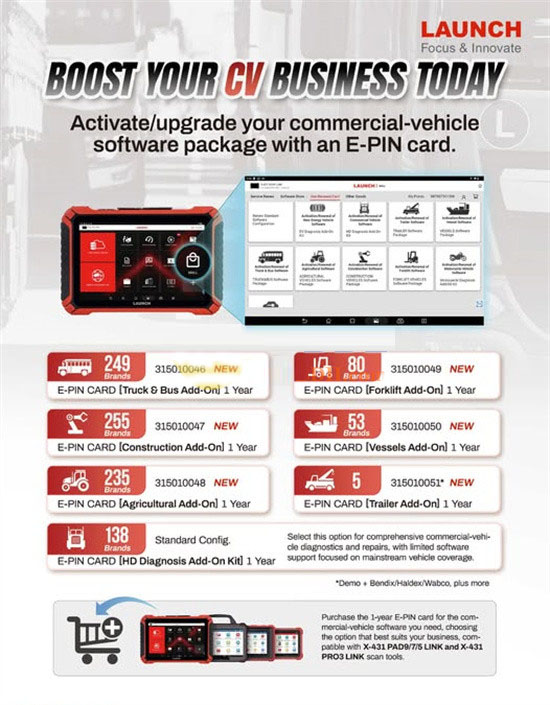
Key Considerations Before Buying Your E-PIN Card
- Device Verification: Before purchase, submit your diagnostic tool's serial number for service eligibility confirmation. Units bought via international distributors may not qualify for updates from our service.
- Service Duration: This purchase provides a full year of software update coverage.
- Fully Digital Process: The entire renewal is handled online without any physical shipment requirements.
- Compatibility Check: This one-year renewal is designed for:
- B-BOX PAD Series devices
- X-431 SmartLink C HD V2.0 Expanded Commercial Vehicles Software Update Subscription
- Activation Timeline: Launch support technicians generally complete the remote update setup within 1 to 2 business days.
Device Models Compatible with the Renewal Service
The E-PIN card renewal supports two primary series of Launch diagnostic tools:
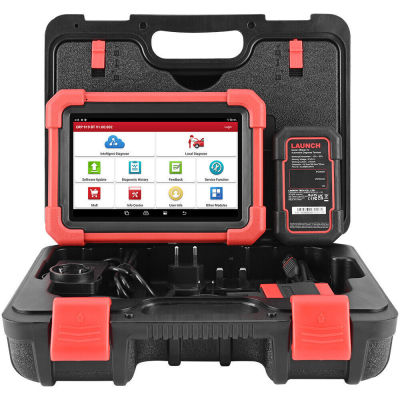
1. X431 Pro 10-inch Series Utilizing DBSCar 7 as the VCI
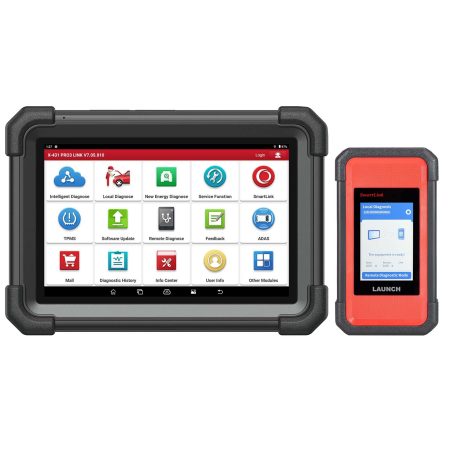
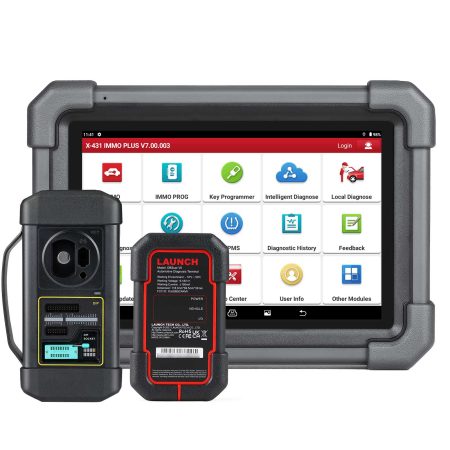
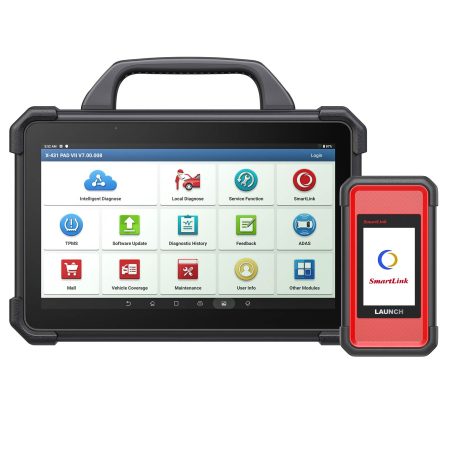
2. PAD and PRO Series Integrated with the B-BOX HD Module
- LAUNCH X431 PRO3 V+ 5.0 Elite
- LAUNCH X431 PRO3S+ Elite
- Launch X431 Pro5 Smartlink
- Launch X431 PAD V Elite
- Launch X431 PAD VII Elite
Procedure to Acquire the Heavy-Duty Software License
- Complete your order for the renewal card on our website and proceed through checkout.
- Share your device's unique serial number with our support team.
- We will then activate a one-year update authorization on your registered device.
- A Launch specialist will remotely enable the update service for your tool—no physical item will be shipped.
- You will receive an email containing your digital Subscription Renewal Card with its specific Card Number and Password.
Activating Your Launch X431 Heavy Duty Renewal Card
- Open the Launch application directly from your device's home screen.
- Tap the "Login" button located in the upper right corner to enter the system. Ensure your device has an active and stable Wi-Fi connection.
- Navigate to the "Update" menu to access the software update center.
- Select the "Renewal" button on the update page to begin the activation process. Please note this option only becomes available after your existing subscription has fully expired.
- Enter the 24-digit password found on your Subscription Renewal Card and tap "Confirm" to finalize activation. You can review your order information within the "Profile" section under "My Order".


![[EU/UK Version] LAUNCH X431 PRO3 APEX Diagnostic Scanner Support Topology Map Online Coding CAN FD & DoIP HD Truck Scan with 37+Services](https://obd-1317370369.cos.accelerate.myqcloud.com/2025/24071017206802678579-450x450.jpg)