- Welcome to Launch X431 Store
- WhatsApp: 8613421344069


Effective May 25, 2026, the Volkswagen Group (VAG) enforces a mandatory two‑factor authentication (2FA) process for activating all protected Special Functions (SFD) across Volkswagen, Audi, Škoda, and SEAT vehicles. This security update applies to every diagnostic session that requires SFD unlocking. Owners and technicians using Launch X431 diagnostic tools must complete a one‑time setup to avoid interruption of service.
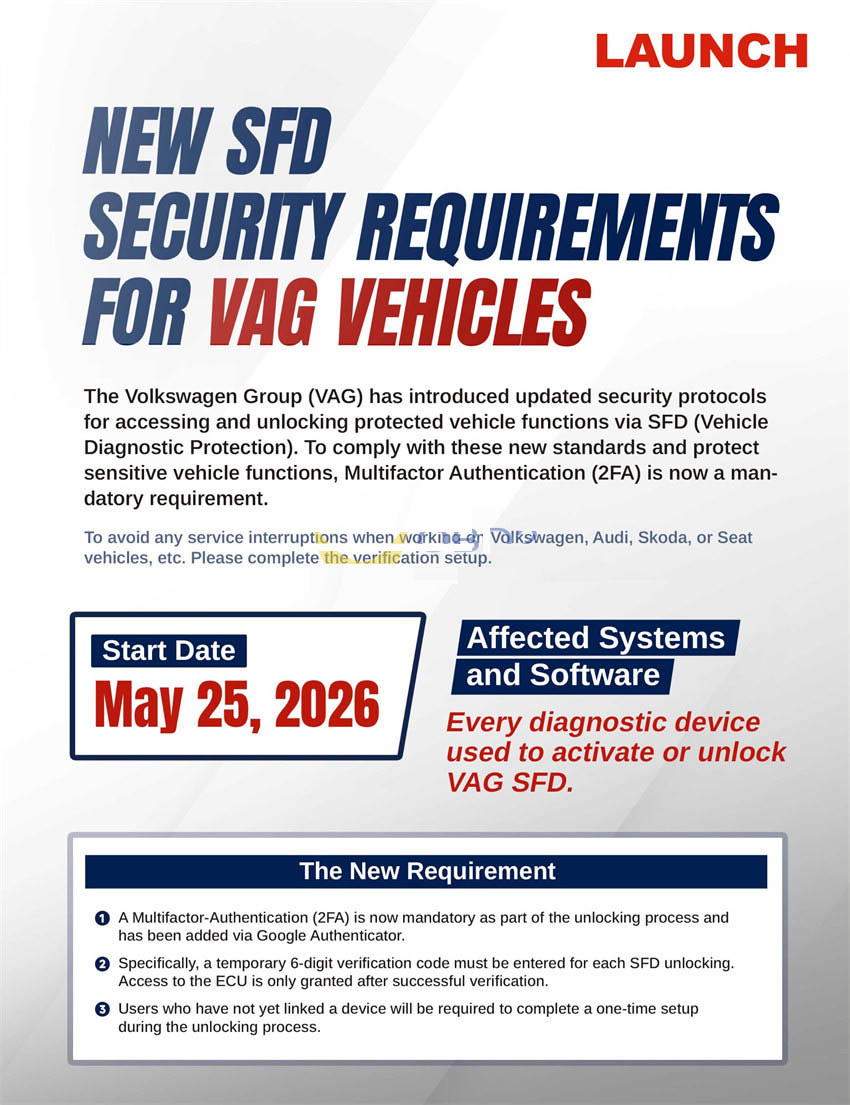
The following Launch X431 models are fully compatible with the new VAG 2FA SFD unlocking procedure (ensure your software is up‑to‑date):
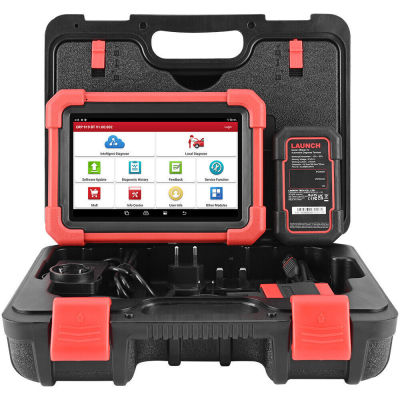
CRP919EBT, CRP919XBT
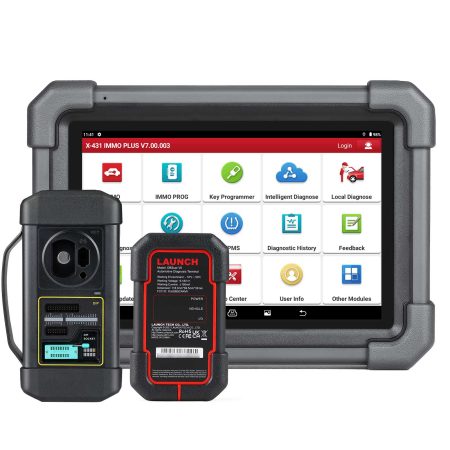
X431PRO Elite, PROS Elite …
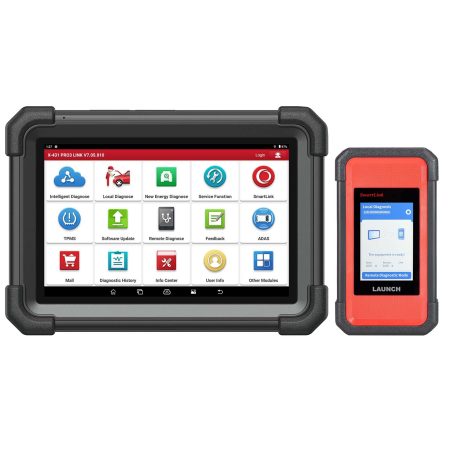
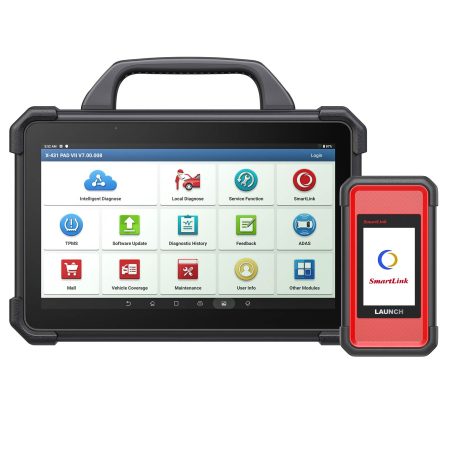
X431 PRO5, PAD V, PAD VII, PRO3 APEX, PRO3S+ V5.0 Elite, PRO3S+ Elite, PRO3 V+ Elite …
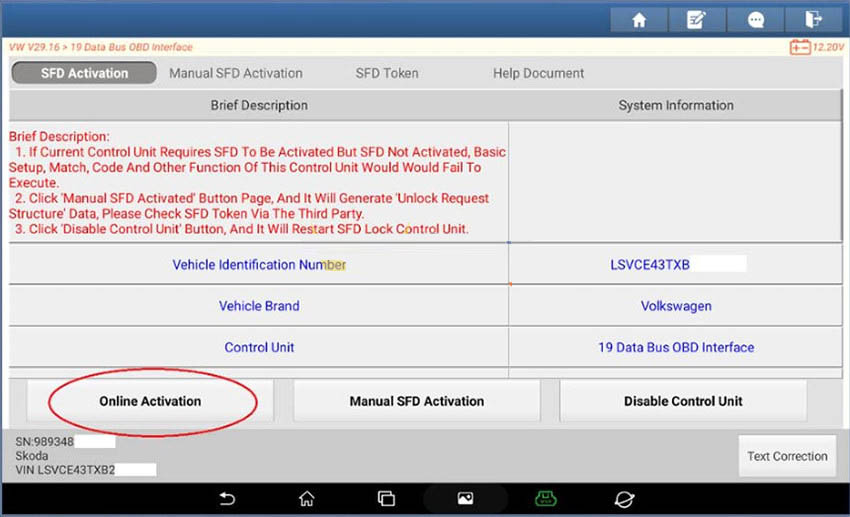
On your Launch X431 device, navigate to the SFD unlock menu and select “Online Activation”.
Path: SFD Activation → Online Activation
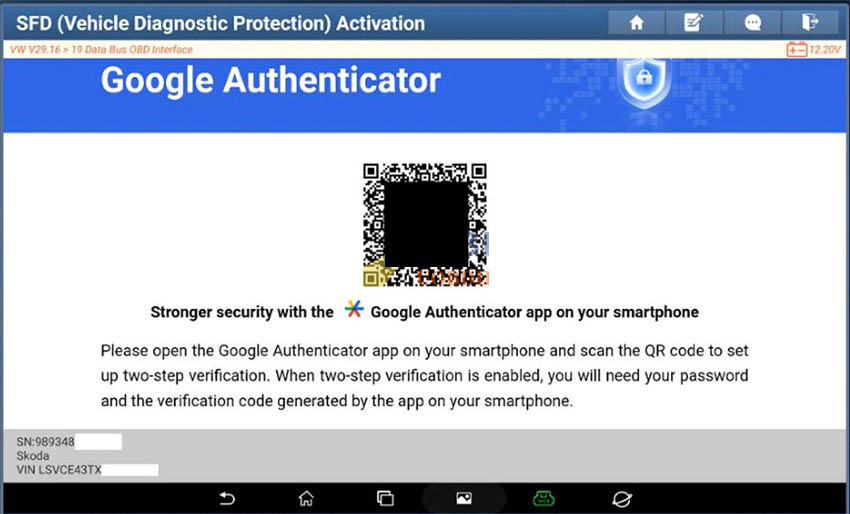
If this is the first time using the tool for SFD, the scanner will display a QR code. Open Google Authenticator on your mobile device, scan the code, and complete the pairing. (This step is required only once per Launch X431 unit.)
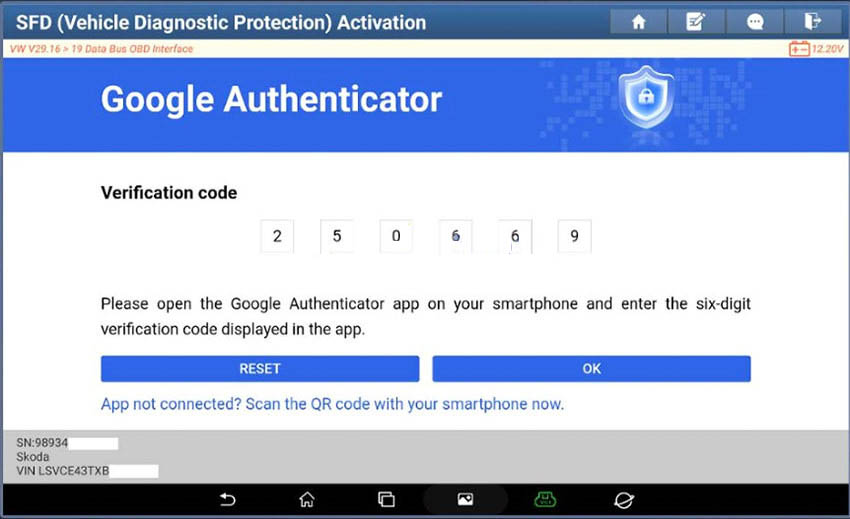
Open the Google Authenticator app on your phone and locate the current 6‑digit code for the paired Launch X431 entry. The code refreshes every 30 seconds, so work promptly.
Type the 6‑digit code into the Launch X431 interface and confirm. The system will validate the code in real time.
After successful verification, the SFD is unlocked. You can now perform all standard diagnostic, coding, adaptation, and repair procedures without further restrictions.
![[EU/UK Version] LAUNCH X431 PRO3 APEX Diagnostic Scanner Support Topology Map Online Coding CAN FD & DoIP HD Truck Scan with 37+Services](https://obd-1317370369.cos.accelerate.myqcloud.com/2025/24071017206802678579-450x450.jpg)