
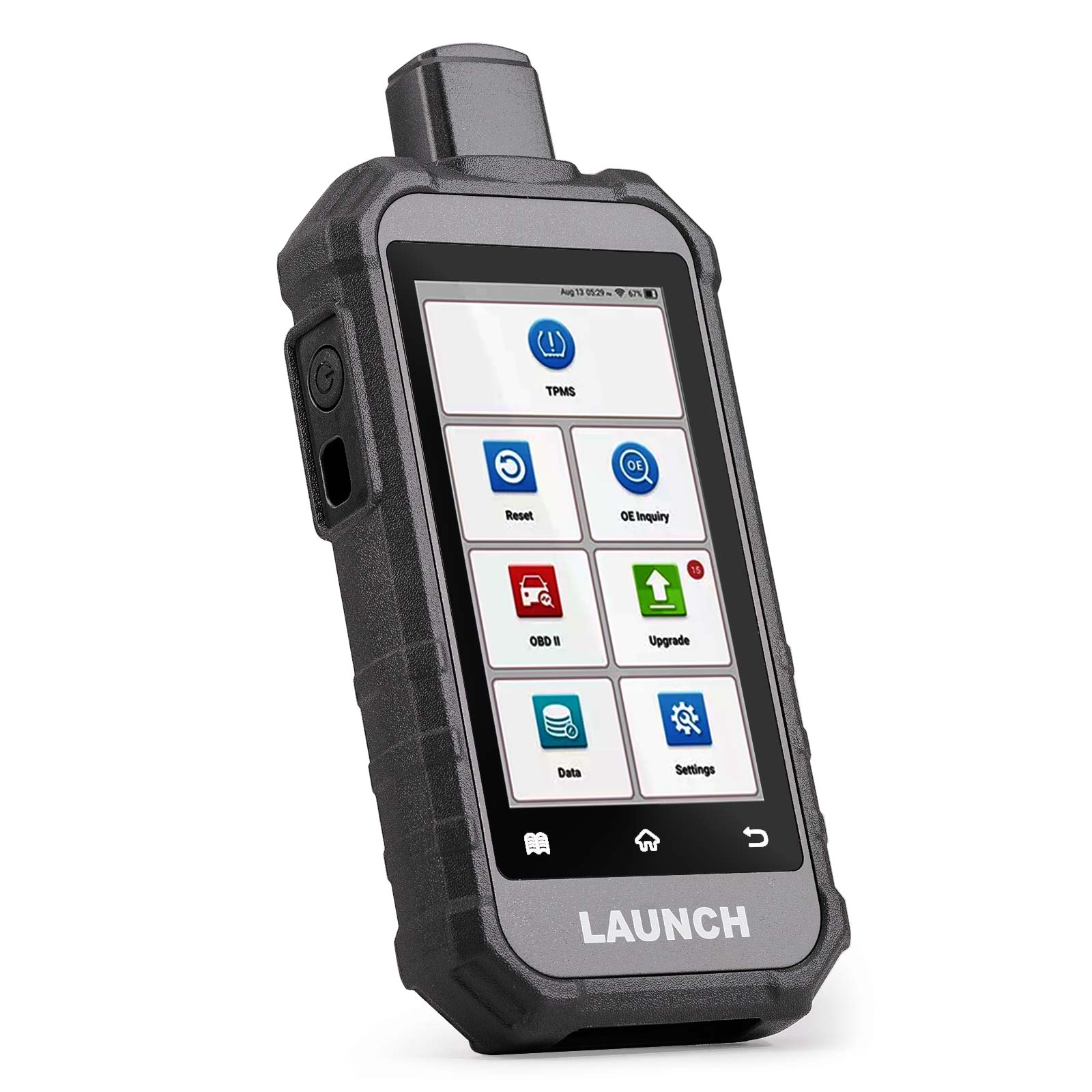
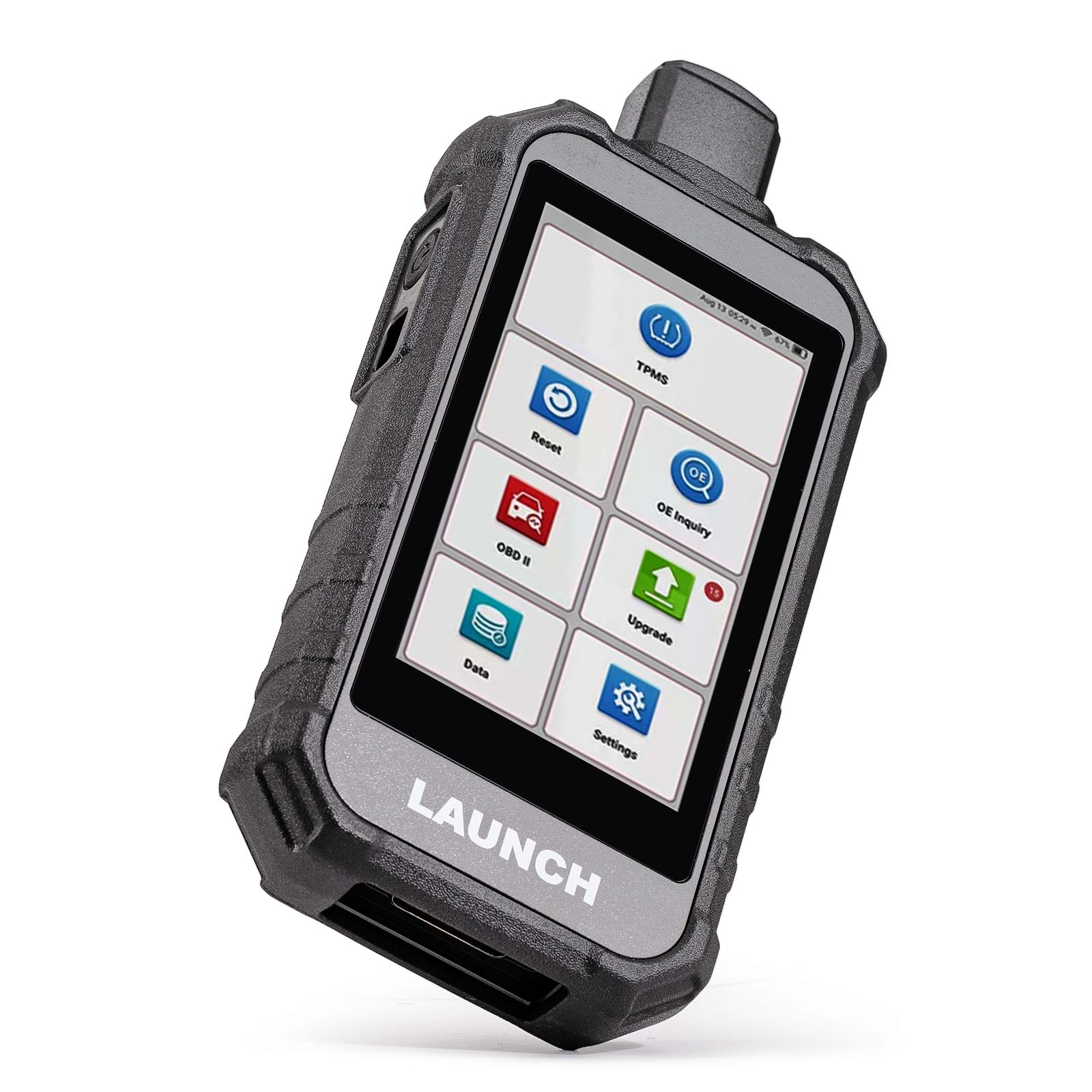
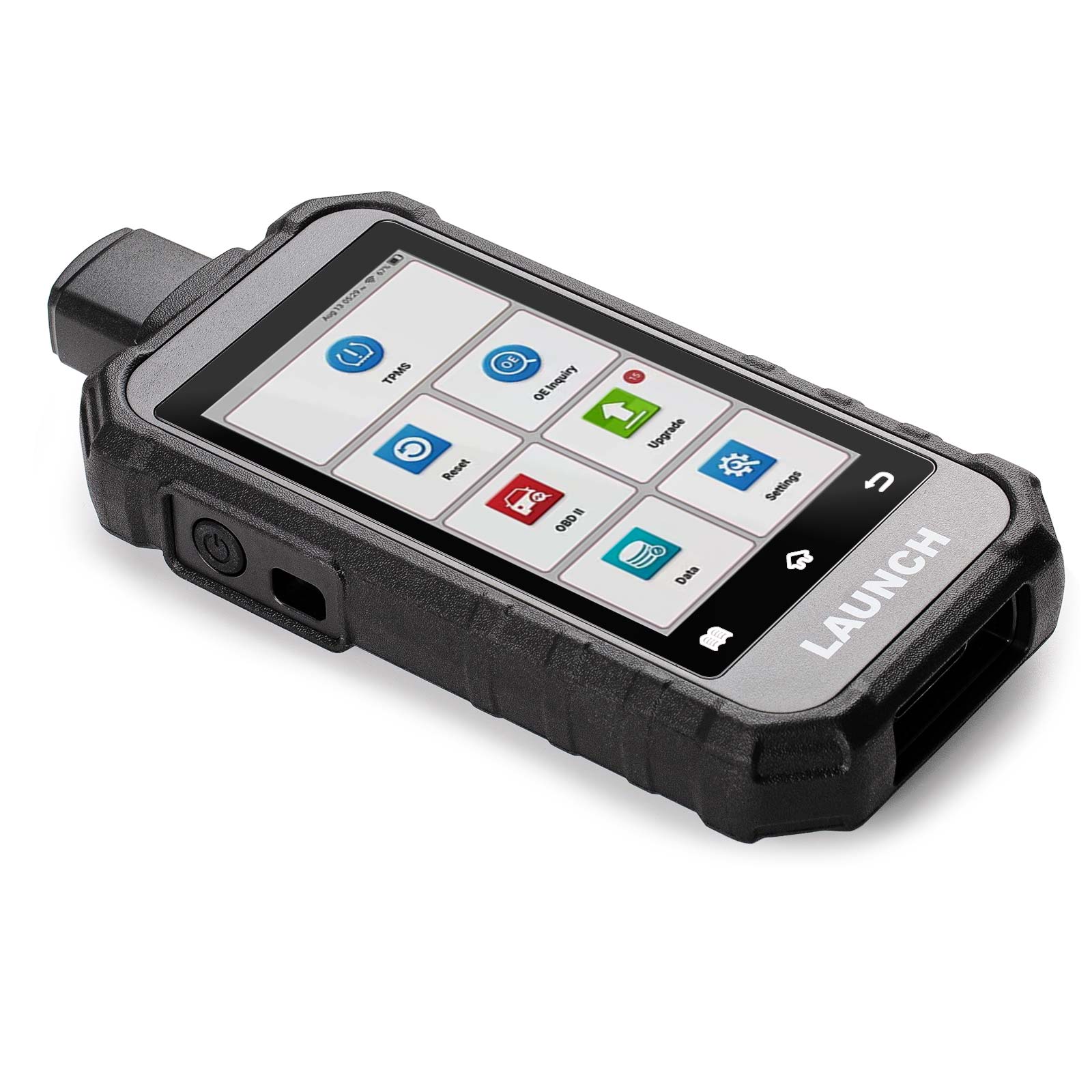
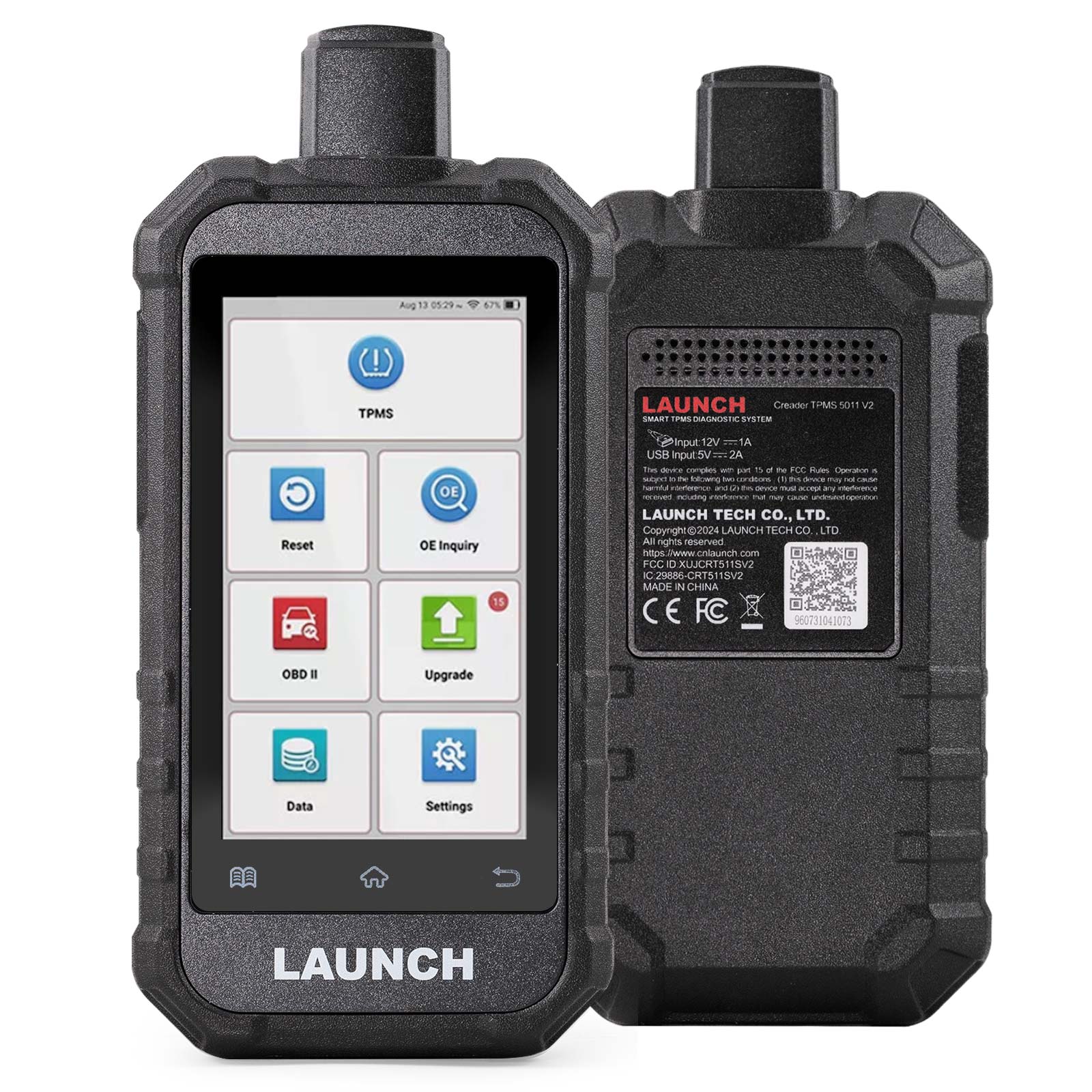
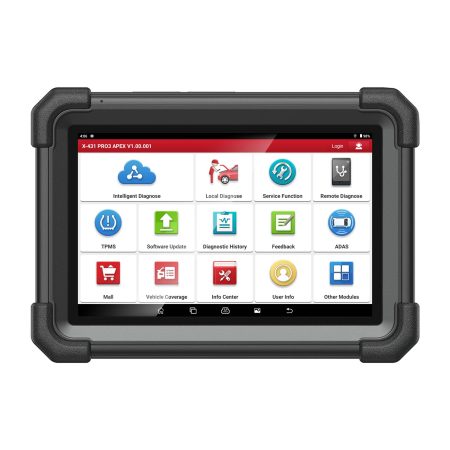
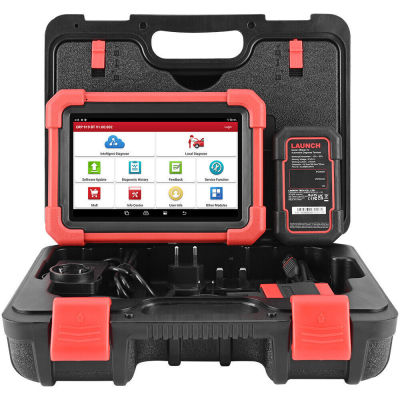
LAUNCH X431 PRO3 APEX
$ 839.00

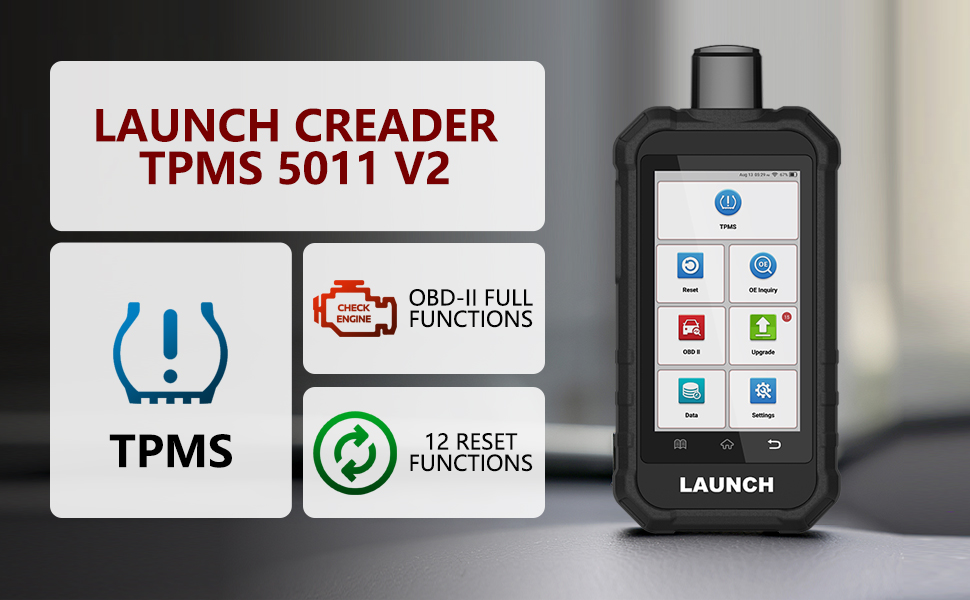
Full Functionality for Tire Pressure Monitoring System
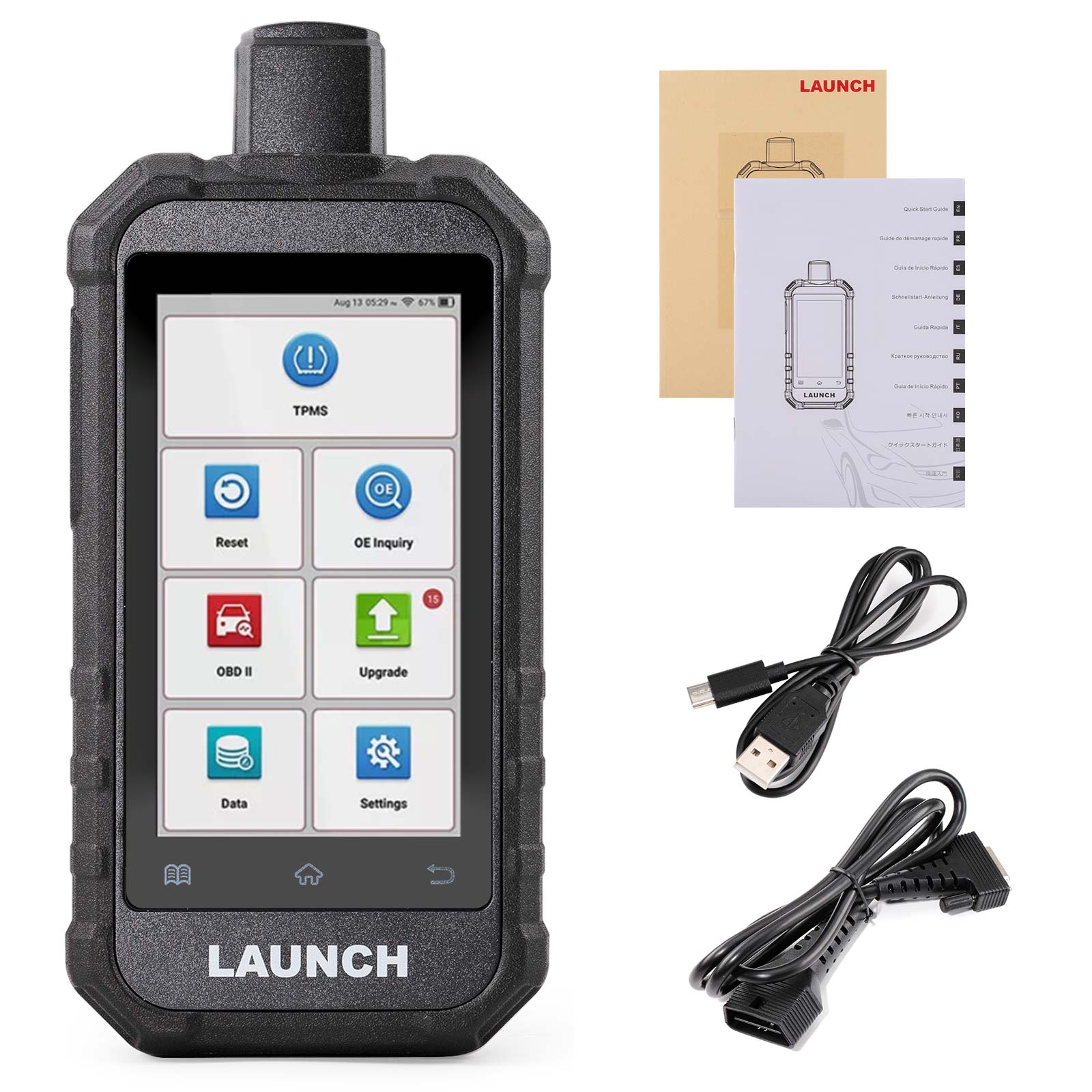
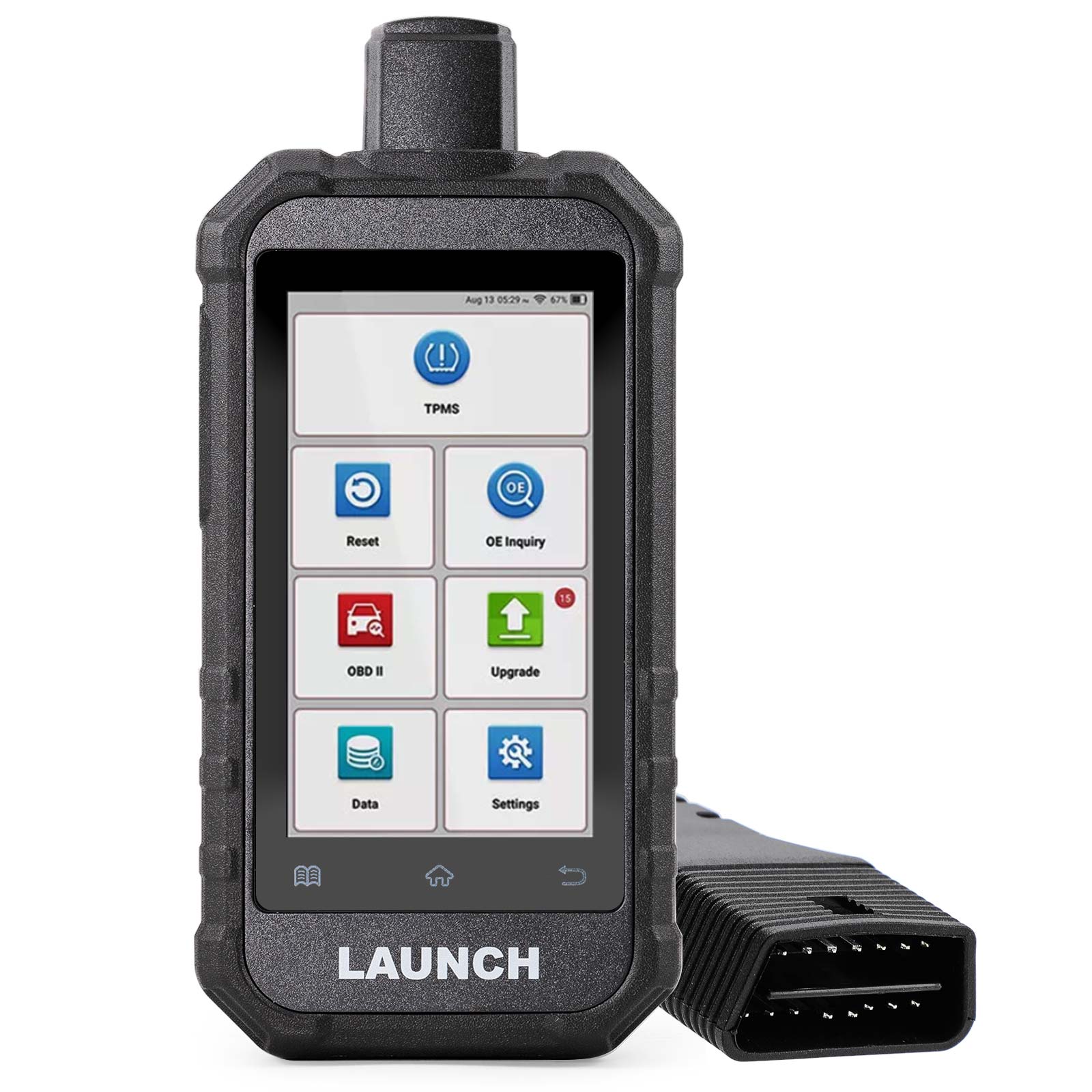
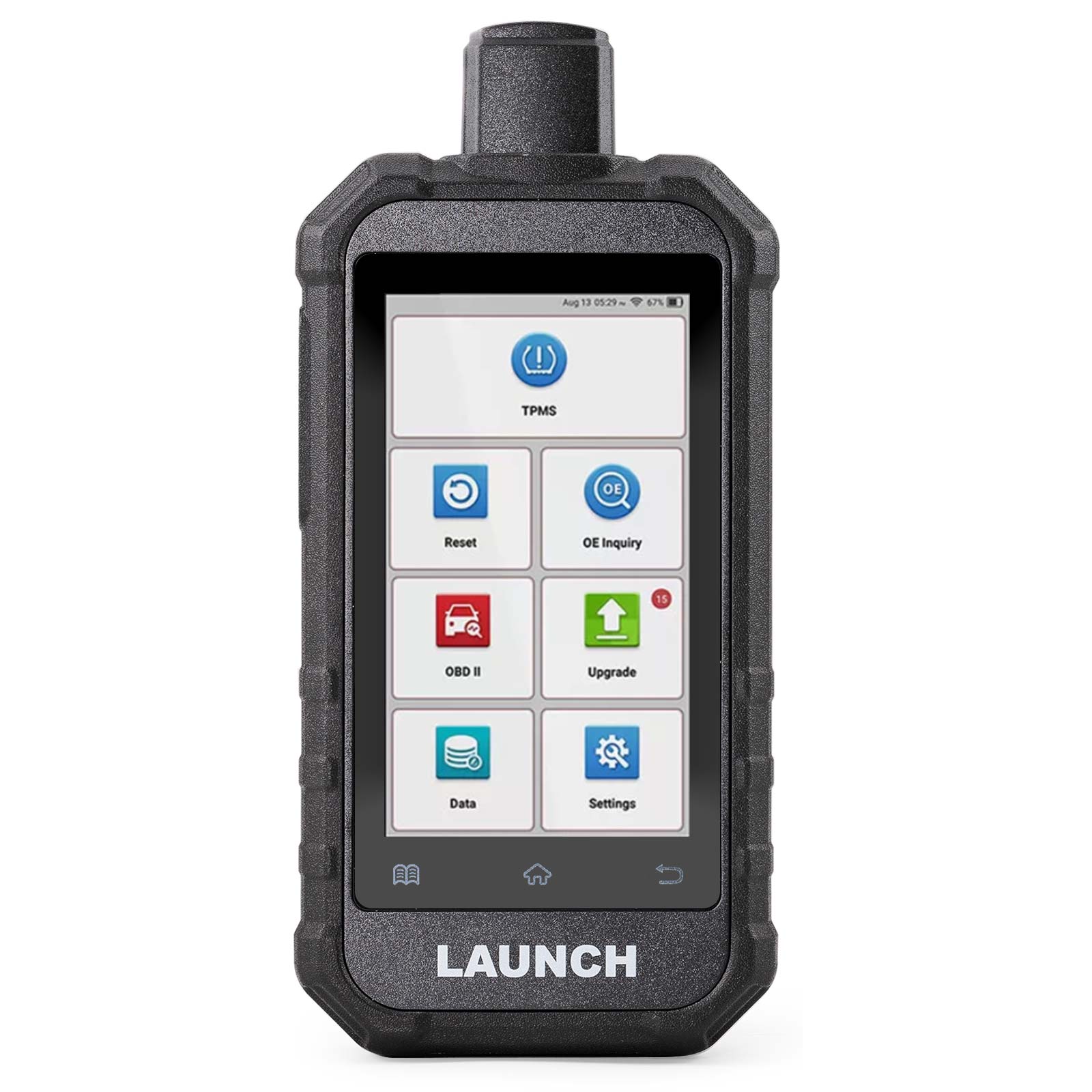
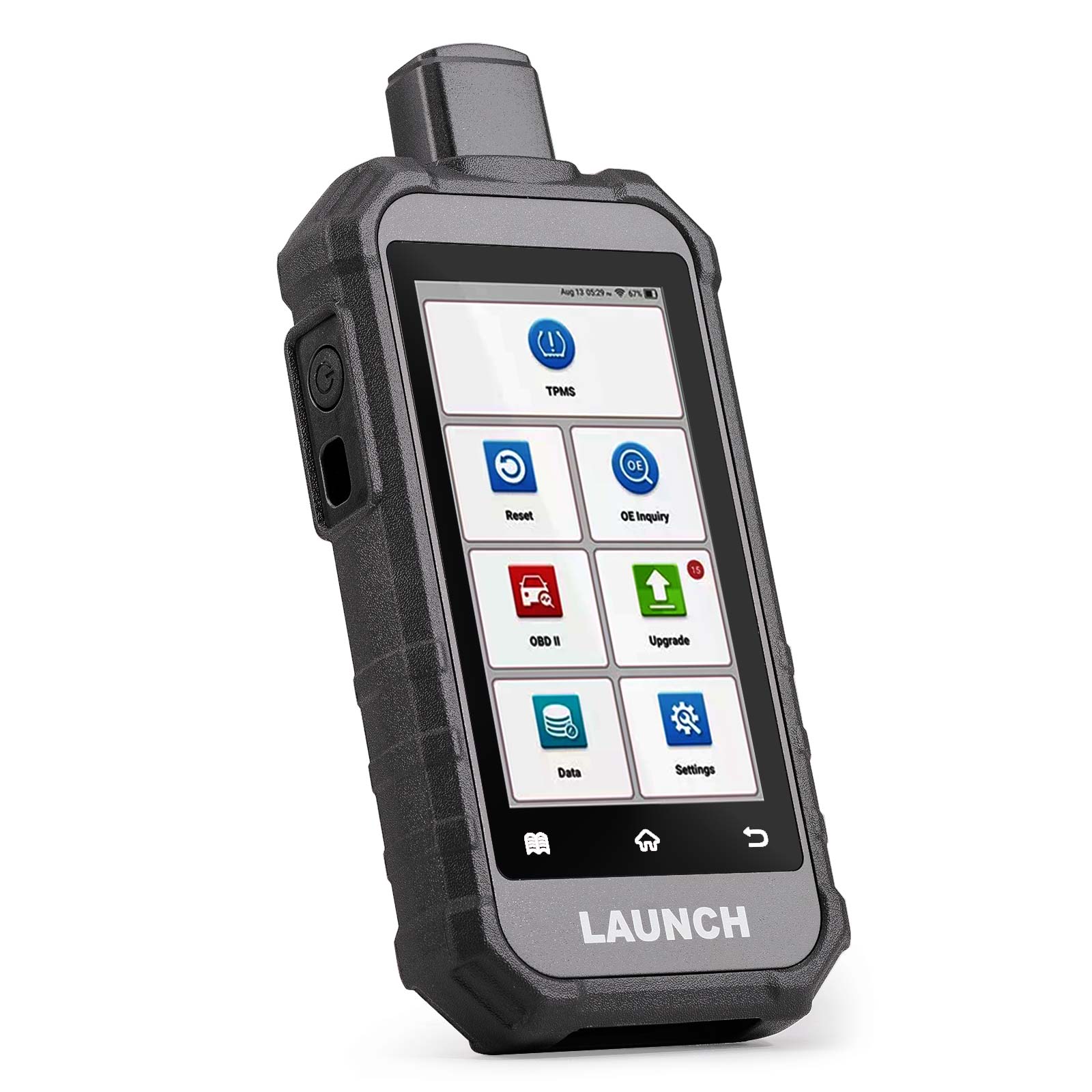
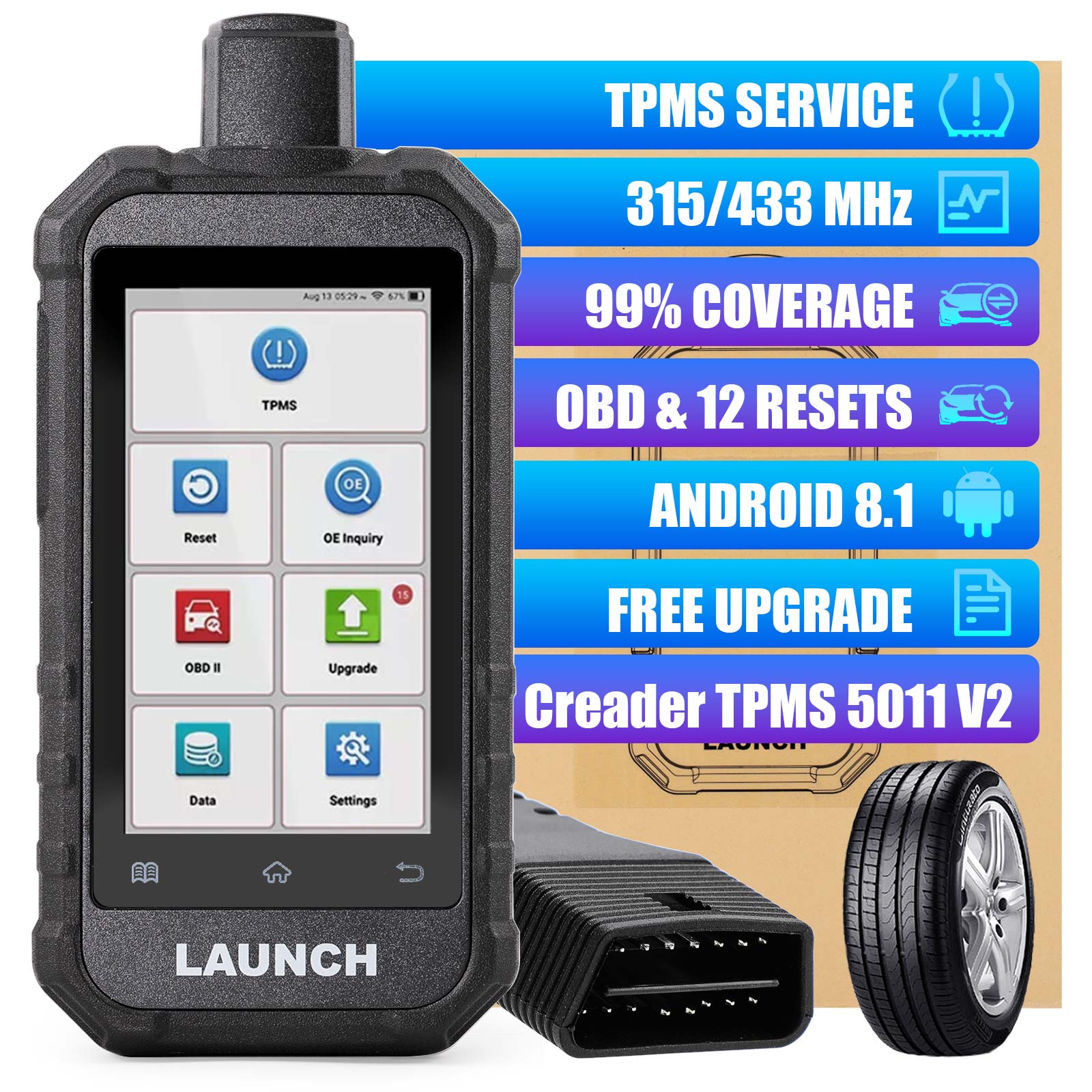
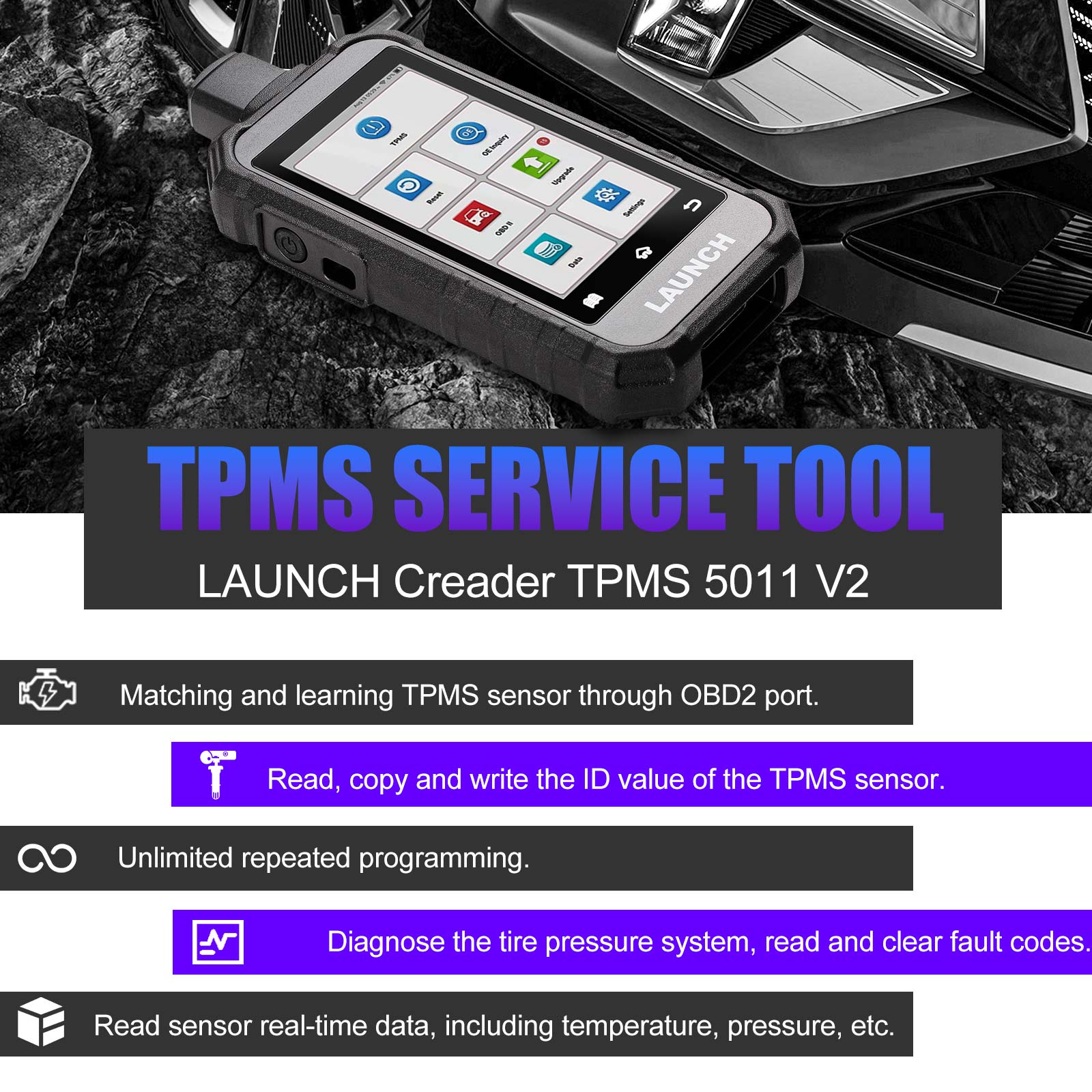
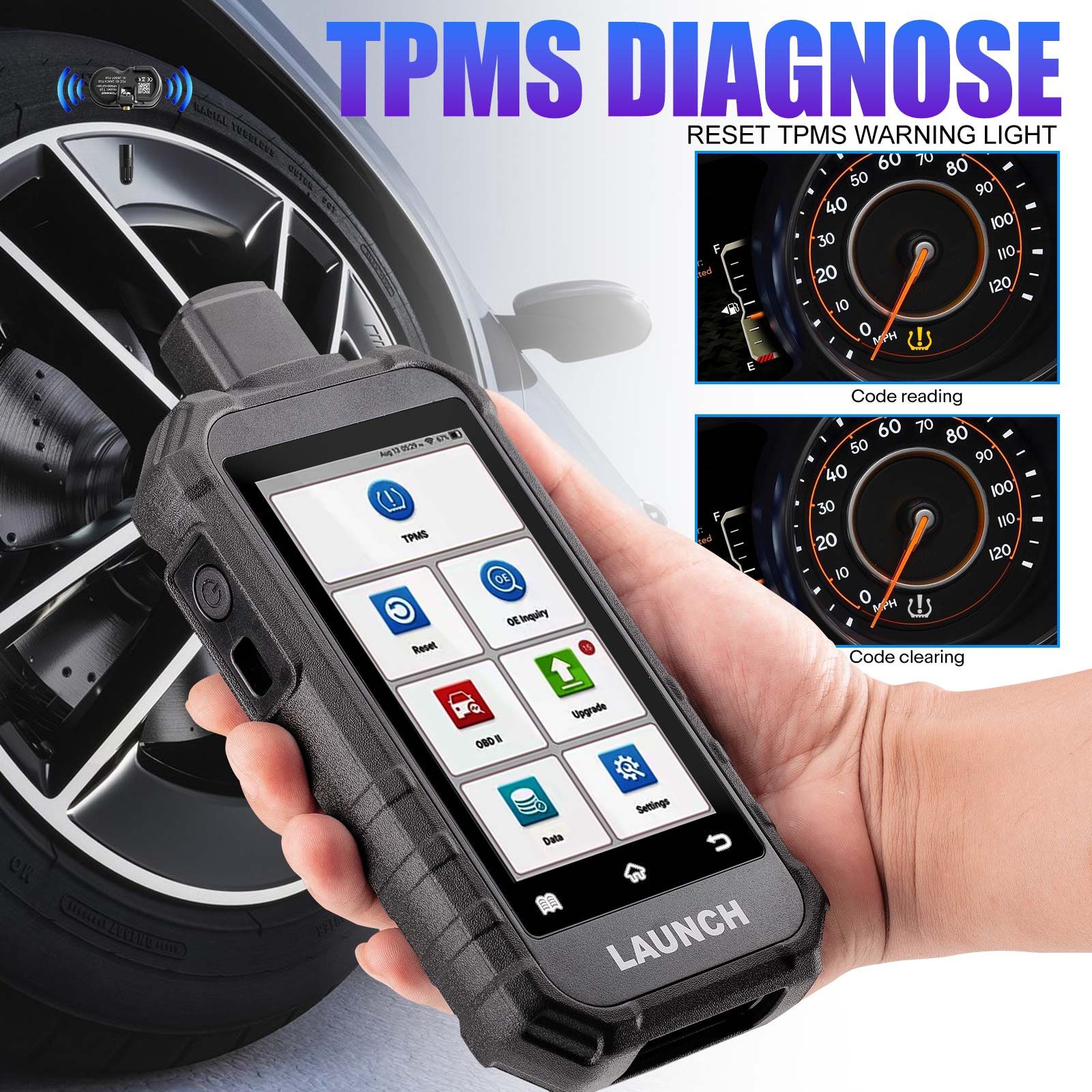
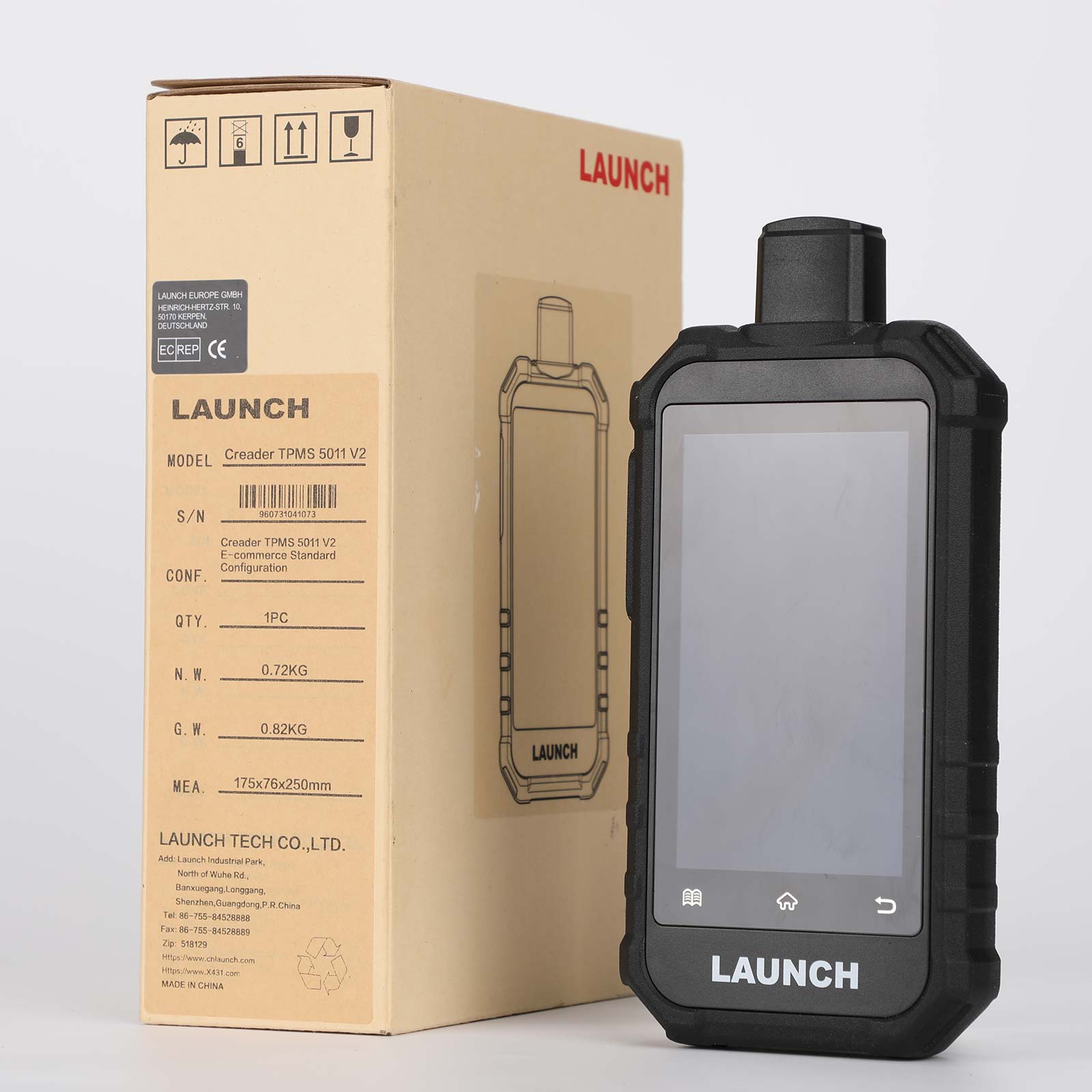
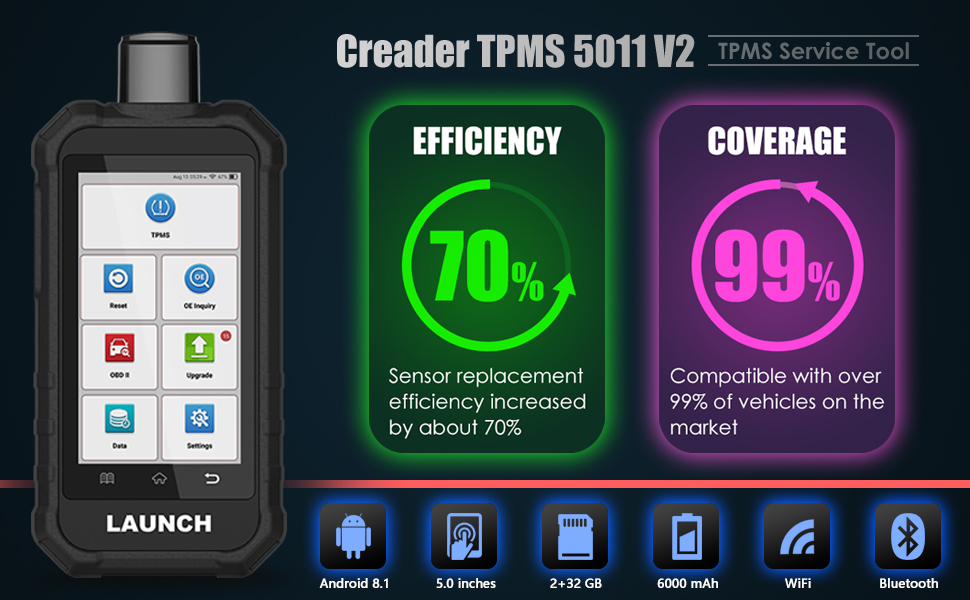
LAUNCH Creader TPMS 5011 V2 can fully diagnose TPMS problems, activate TPMS sensors , TPMS relearning and sensor OE number lookup. Help you complete the replacement of the tire pressure sensor, the replacement of the tire, the on-line assembly and testing of the vehicle factory, and the independent detection of whether the sensor itself is correct.
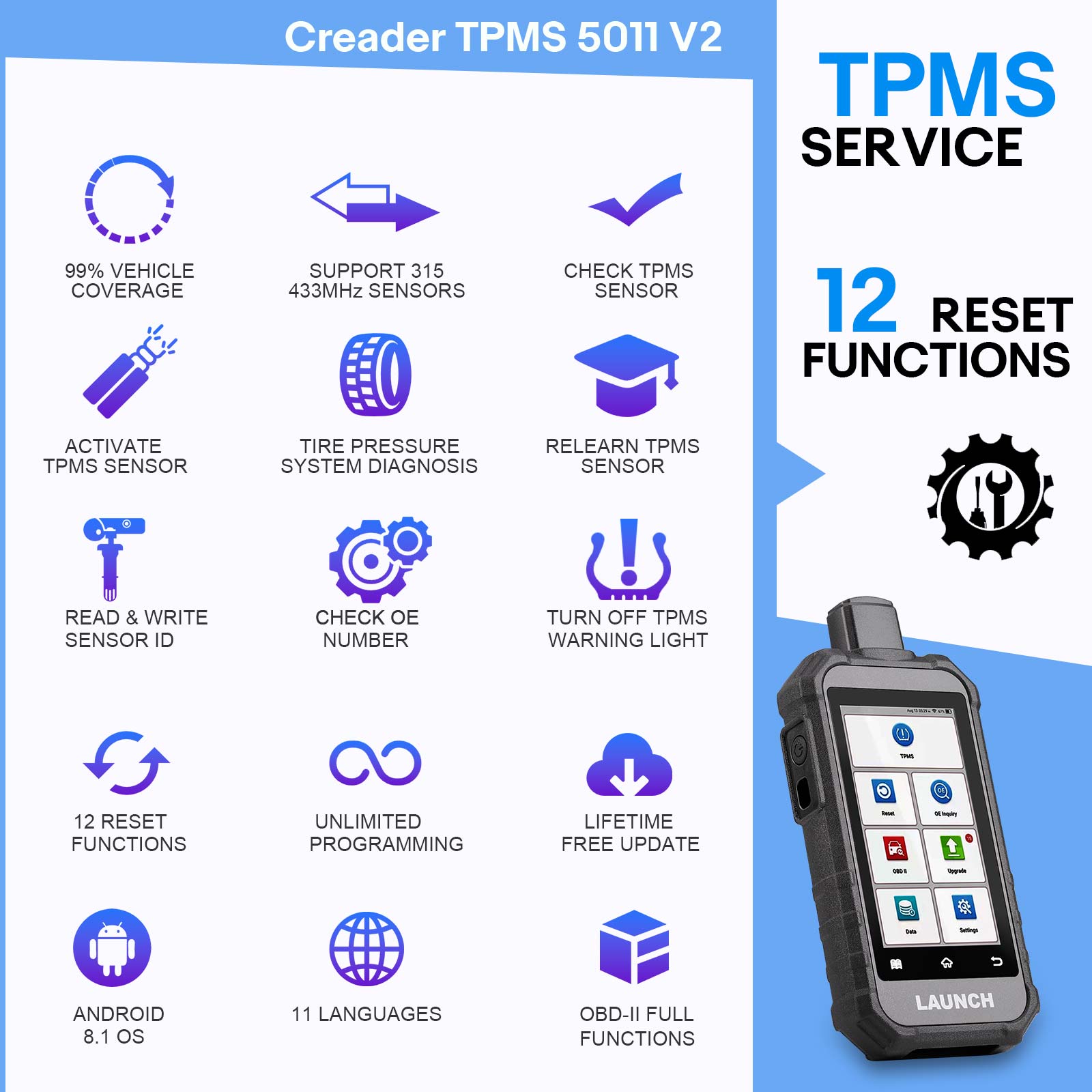
LAUNCH Creader TPMS 5011 V2 provides users with an experience of unparalleled efficiency and accuracy. Check sensor data, sensor ID, tire pressure or temperature, battery condition, sensor location and diagnostic TPMS to read or write sensor ID, read or clear TPMS code, turn off TPMS warning light, retrieve TPMS ECU information, and more. This TPMS tool allows users to program sensor data to LAUNCH sensors to replace tire pressure sensors that are not working properly and have low battery life.
[Activate Sensors]
LAUNCH Creader TPMS 5011 V2 can activate all 315/433MHz tire pressure sensors. Allows users to activate TPMS sensor to view sensor data, such as sensor ID, tire pressure, tire frequency, tire temperature and battery condition.
[Relearn Sensors]
Allows you to check and view the detailed TPMS sensor relearn procedures. Relearn operation applies only when the newly programmed sensor IDs are different from the original sensor IDs stored in the vehicle’s ECU. Relearn is used to write the newly programmed sensor IDs into the vehicle’s ECU for sensor recognition. You can check the OE number of the original sensor. OBD Relearn: Write TPMS sensor ID to TPMS module through OBD connector.
[TPMS Diagnostics]
Read and erase TPMS error codes. Displays TPMS live data in the form of graphs. Get access to the TPMS ECU information. Turn off the TPMS malfunction light.
[TPMS Programming for LAUNCH Sensor]
>>Auto Create: Create a new ID matching your vehicle. Program the ID into a new LAUNCH Sensor.
>>Manual Create: The Manual Create function lets users to input the sensor ID manually. Support input of random ID or original sensor ID (if any).
>>Copy ID by Activation: Write in the retrieved original sensor data to the LAUNCH-sensor. It is used after the original sensor is triggered.
[Unlimited Repeat Programming]
LAUNCH Creader TPMS 5011 V2 can program sensor data to LAUNCH sensor and replace the sensor with low battery life or not working properly. It can program 8 LAUNCH SENSOR simultaneously.
12 Maintenance Services
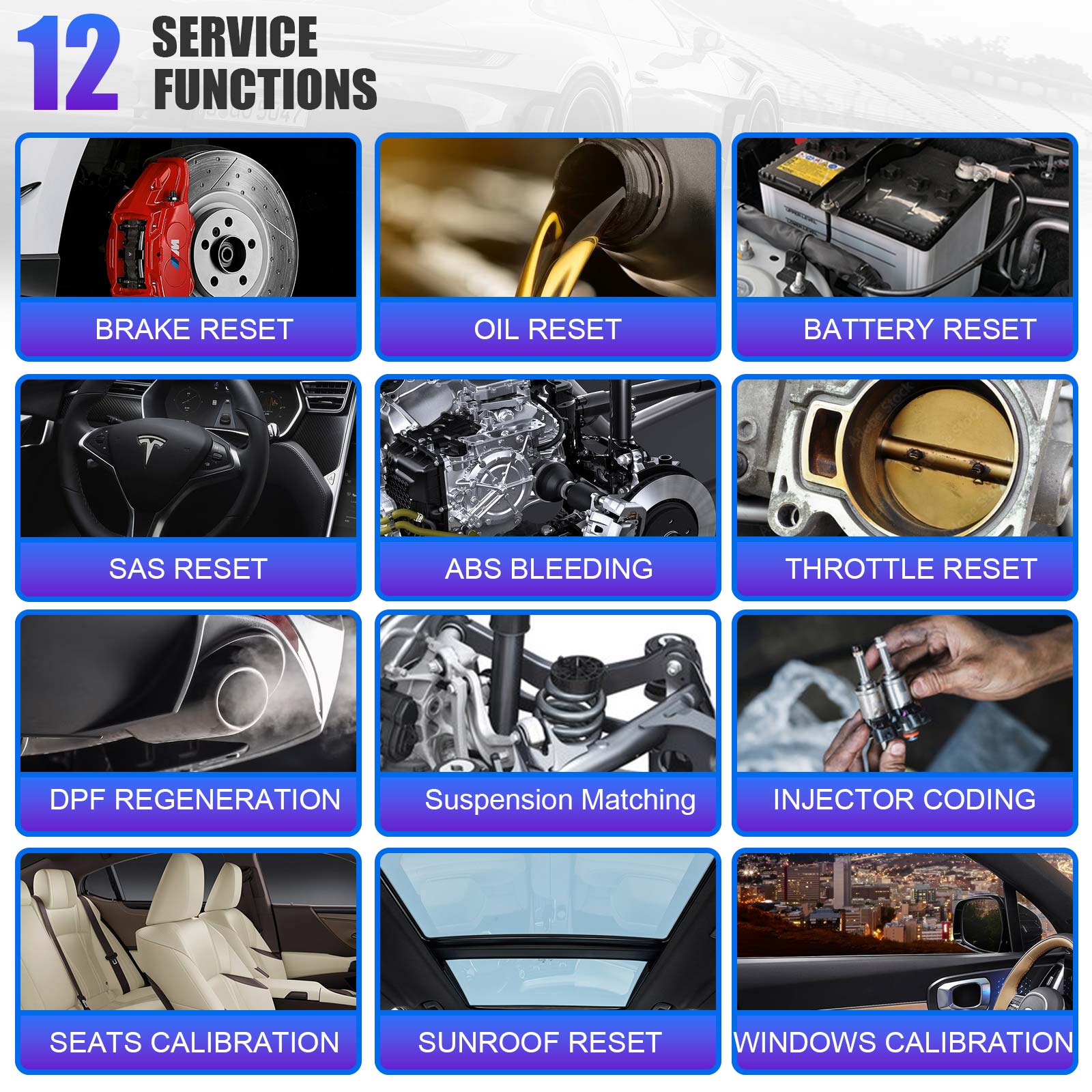
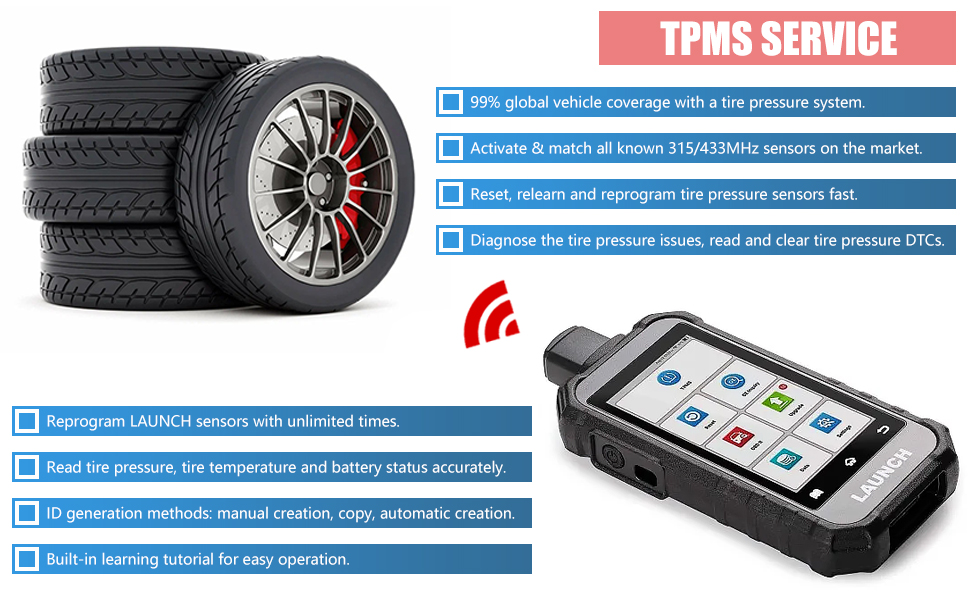
LAUNCH Creader TPMS 5011 V2 is equipped with 12 maintenance functions, which are also the most commonly used ones. In addition, we provide a no-hassle service menu and fix cases empowers users to quickly start diagnostics and repair.
[Brake Reset] - In situations where the brake pads and brake pad sensors are replaced, the brake pad indicator light is on, or the brake pad sensor circuit is short circuited, Use this tool to reset the brake pad.
[Oil Lamp Reset] - Reset the oil life systems every time the oil and oil filter are changed.
[Battery Reset] - After replacing the battery or battery monitoring sensor, reset the monitoring unit of the car battery.
[SAS Calibration] - After replacing the steering angle position sensor and mechanical components of the steering system, calibrate the steering angle and clear fault records.
[ABS Bleeding] - Bleed the brake system to restore ABS braking sensitivity.
[Throttle Reset] - Initialize the throttle actuator and return to the default state.
[D-P-F Regeneration] - Clearing particulate matter from the D-P-F filter through continuous combustion oxidation mode to stabilize filter performance or replace D-P-F components.
[TPMS Service] - Quickly search for tire sensor ID from the vehicle ECU and perform TPMS replacement and sensor testing.
[Injector Coding] - After installing or replacing a new fuel injector, code the new fuel injector number to replace the previous one.
[Sunroof Reset] - Reset the sunroof, closing on rainy days, slide or tilt sunroof memory function, outside temperature threshold, etc.
[Suspension Matching] - Designed to help technicians and tuning professionals optimize the performance of vehicle suspension systems.
[Seat Calibration] - Calibrate the memory in replaced or repaired seats.
[Windows Calibration] - Perform door window matching to recover ECU initial memory.
OBD-II Full-function diagnosis
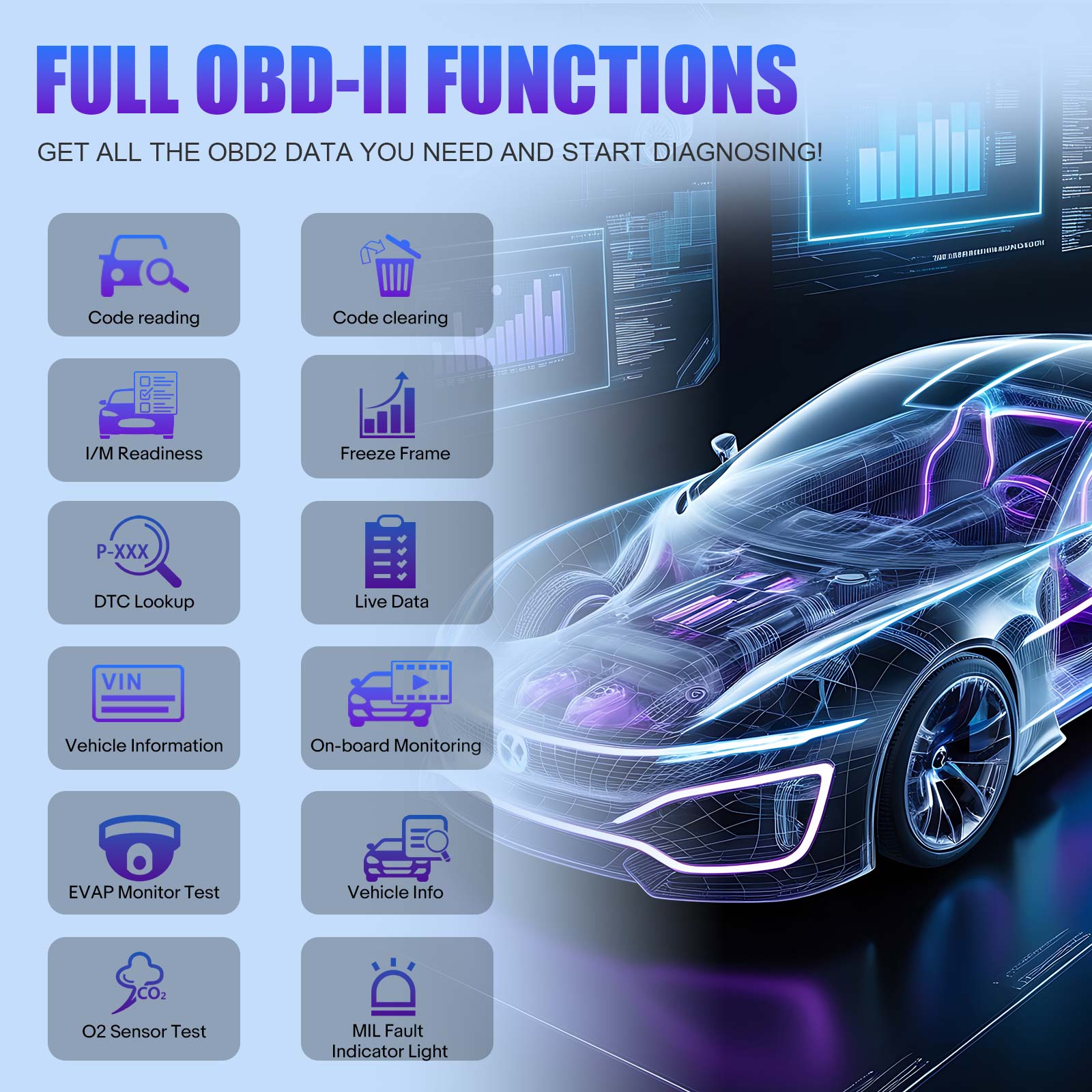
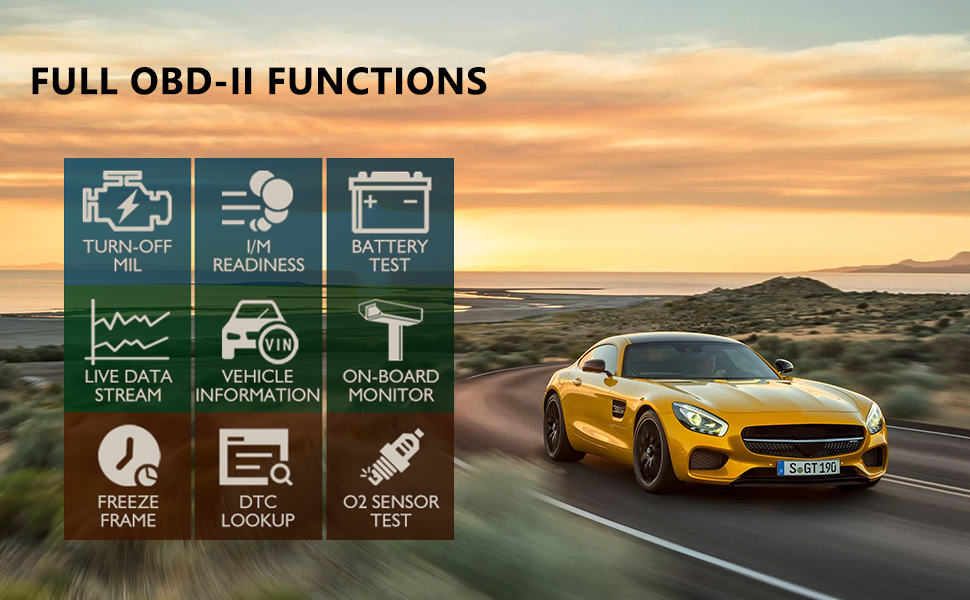
LAUNCH Creader TPMS 5011 V2 provides users with complete OBDII diagnostic functions, it can quickly access and diagnose the engine system of OBDII-compliant vehicles.
[Reading Codes] - Show the detailed description of the Diagnostic Trouble Codes (DTCs).
[Erasing Codes & Reset] - Turns off Check Engine Lights (MILs), clears codes and resets monitors.
[Data Stream] - Reads and displays live ECU/PCM data stream, plotting functions graphically and stores freeze frame data.
[I/M Readiness Status] - Shows whether the various emissions-related systems on the vehicle are operating properly and are ready for inspection and maintenance testing.
[Read Live Data Stream] - Show the information of continuous data stream from a vehicle in live graphic (waveform) display.
[View Freeze Frame Data] - Check the certain vehicle conditions which are recorded by the on-board computer at the time the emission-related fault occurs.
[O2 Sensor Test] - Allows retrieval and viewing of O2 sensor monitor test results for the most recently performed tests from the vehicle’s on-board computer.
[On-Board Monitor Test] - Retrieves and displays test results for emission-related powertrain components and systems.
[Read Vehicle Information] - Display the informations such as VIN (Vehicle Identification Number), CID (Calibration ID) and CVN (Calibration verification number), etc.
[Component Test] - Certain vehicle components can be actuated by commands sent from the scanner to test their operability.
| Model | Creader TPMS 5011 V2 | CRT5011E/CRT5011X |
| Screen | 5-inch | 3.5-inch |
| Resolution | 720*1280 | 320*480 |
| Battery | 6000mAh | 3100mAh |
| Storage | 2+32GB | - |
| WIFI+Bluetooth | 2.4G | - |
| OBDII interface Input voltage | 9~18V | 9~18V |
| Operating temperature | 0℃~45℃ | 0℃~45℃ |
| Storage temperature | -20℃~+70℃ | -20℃~+70℃ |
| Size | 211.5*99*34.5mm | 112.5*198*35mm |
| Input voltage | 9~18VDC input via vehicle diagnostic socket/5V via USB cable | 9~18VDC input via vehicle diagnostic socket/5V via USB cable |
| Languages | German, English, Spanish, French, Korean, Italian, Japanese, Traditional Chinese, Portuguese, Russian, Arabic | German, English, Spanish, French, Korean, Italian, Japanese, Traditional Chinese, Portuguese, Russian, Polish |
| Certification Type | CE/FCC/ROHS/IC | CE/FCC/ROHS |
| screen | 5-inch 720P, touch screen |
| interface | 1. Standard OBDII interface 2. TYPE-C interface |
| Android version | Android 8.1 |
| storage | 2+32GB |
| battery | 6000mAh |
| CPU | 1.3G |
| communications/upgrades | WIFI 2.4Ghz (b/g/n) |
| weight | <880g |
| Storage temperature | -20~70 ℃ |
| Operating temperature | -10~50 ℃ |




Free shipping over $100

Contact us 24 hours a day

You have 30 days to Return

We ensure secure payment